

Cooling Fan & Bracket for Raspberry Pi Compute Module 4 (CM4)
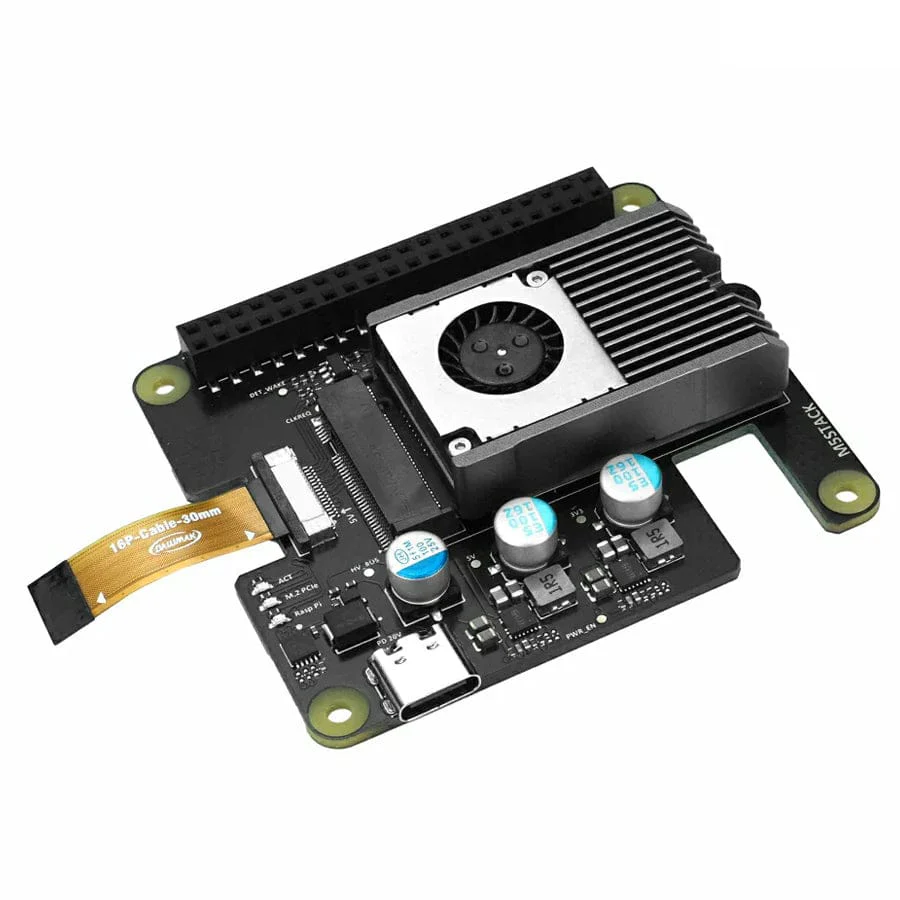
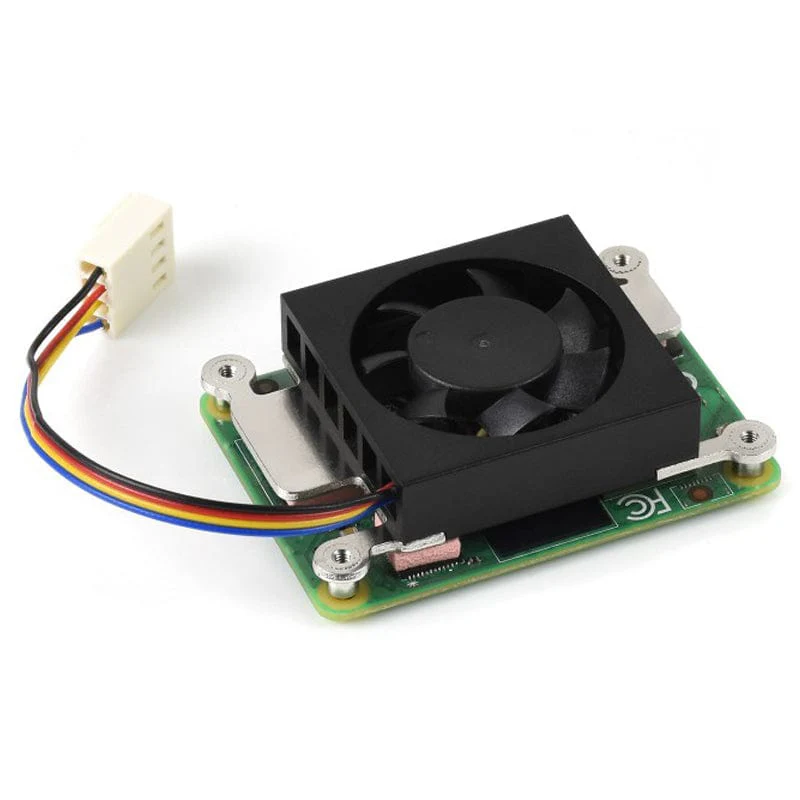
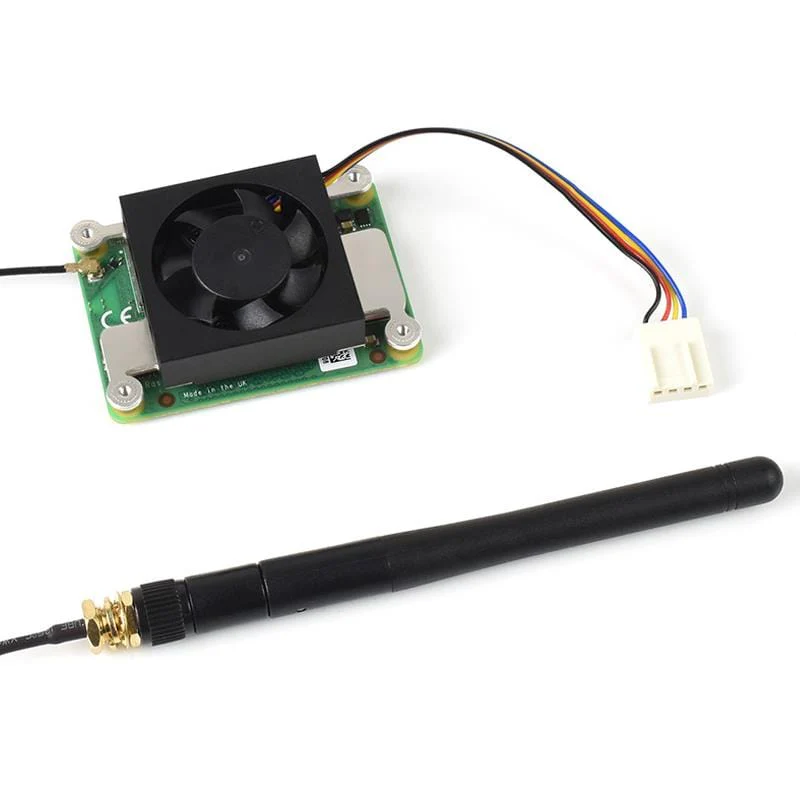
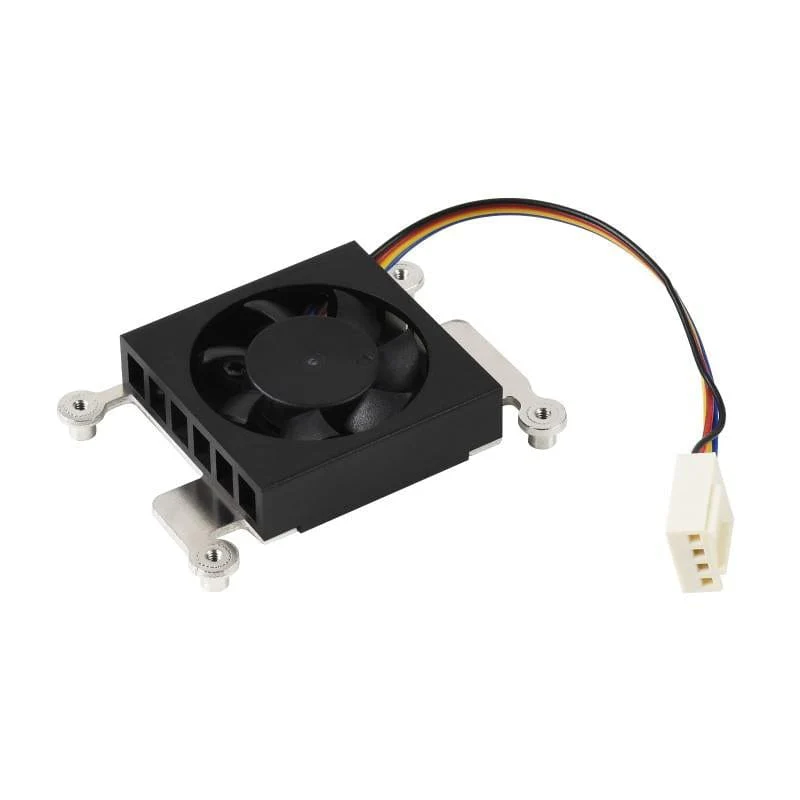
This is a dedicated 12V cooling fan and bracket module designed specifically for the Raspberry Pi Compute Module 4 (CM4).
The fan module comes with a screw and thermal tape pack for attaching to your Compute Module 4. The mounting holes on the heatsink match the Compute Module mount holes perfectly.
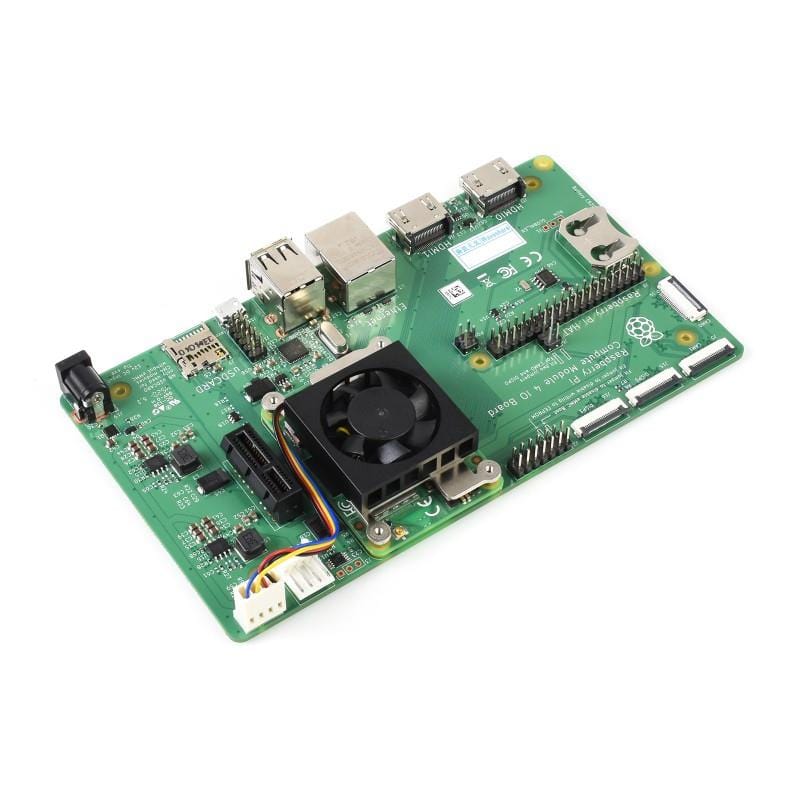
A notch is included to allow for the CM4 antenna kit to be attached without obstruction, and the fan can even be used with the Official Compute Module 4 IO Board or the Waveshare Compute Module 4 PoE Board.
In testing, Waveshare found that the fan reduced temperatures by an impressive ~25°C vs the bare CM4 board (your mileage may vary depending on usage and local conditions).
Dimensions: 54x39x13mm
Note: CM4, IO board and antenna kit not included.
How to Install
1. Attach thermal tape onto the CM4:

2. Fix the screws as per the images below, depending on your chosen method:


Original: $7.70
-65%$7.70
$2.69Product Information
Product Information
Shipping & Returns
Shipping & Returns
Description
This is a dedicated 12V cooling fan and bracket module designed specifically for the Raspberry Pi Compute Module 4 (CM4).
The fan module comes with a screw and thermal tape pack for attaching to your Compute Module 4. The mounting holes on the heatsink match the Compute Module mount holes perfectly.
A notch is included to allow for the CM4 antenna kit to be attached without obstruction, and the fan can even be used with the Official Compute Module 4 IO Board or the Waveshare Compute Module 4 PoE Board.
In testing, Waveshare found that the fan reduced temperatures by an impressive ~25°C vs the bare CM4 board (your mileage may vary depending on usage and local conditions).
Dimensions: 54x39x13mm
Note: CM4, IO board and antenna kit not included.
How to Install
1. Attach thermal tape onto the CM4:
2. Fix the screws as per the images below, depending on your chosen method: